Publishing Workflow Essentials
Stop firefighting deadlines and start running your publication like a well-oiled machine — with The Magazine Manager built specifically for how publishers actually work.
Every magazine publisher knows the feeling: a sales rep closes a full-page ad, but the creative brief never reaches the design team. A deadline slips by three days because nobody flagged the missing artwork. An advertiser calls to ask why their proof still hasn't arrived. These are not isolated mishaps — they are the predictable result of running a complex, multi-department publication on generic task tools that were never built for the rhythms of publishing.
Generic project management software tracks tasks. Publishing project management tracks issues, ad materials, editorial calendars, client approvals, billing milestones, and production handoffs — all in a single connected workflow. When your CRM, ad management system, and production pipeline share the same data layer, a status change in one place ripples instantly across every team that needs to know.
For magazine publishers, the stakes are unusually high. Print deadlines are immovable. Advertiser relationships depend on flawless execution. Revenue recognition is tied directly to whether an ad runs on the correct page in the correct issue. A missed step does not just create internal friction — it can trigger credit notes, erode client trust, and cost real money.
The Magazine Manager was built from the ground up to solve exactly this problem. Rather than bolting a generic to-do list onto a CRM, it weaves project management into every stage of the publishing cycle — from the first sales call to the final press-ready PDF. See how purpose-built platforms handle the three parallel workflows every issue demands, where general-purpose tools fall short, and what differentiates The Magazine Manager in practice.
One connected system for every stage of the publishing lifecycle — from first sales contact to final invoice
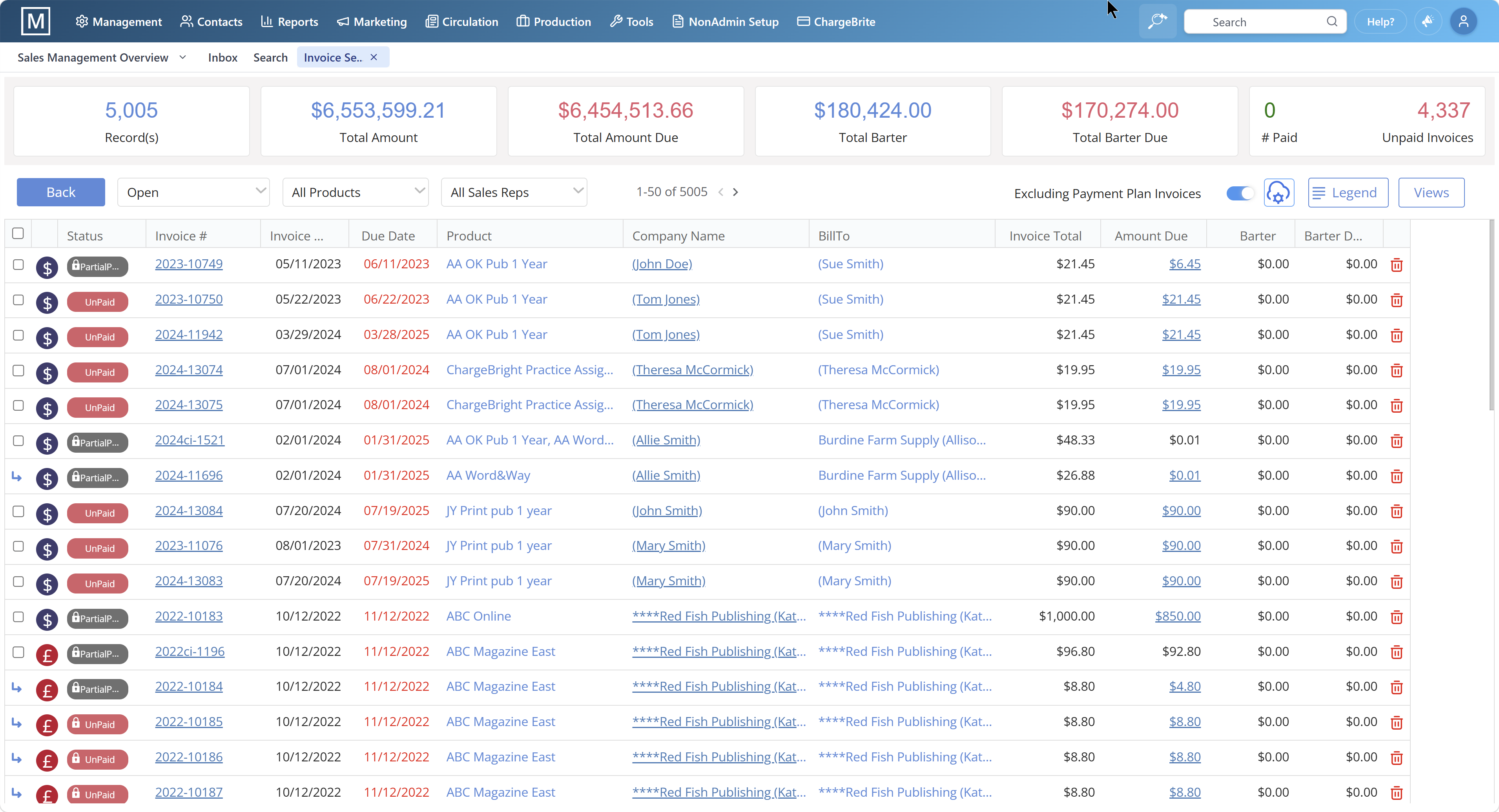
Generic project management tools force publishers to stitch together a CRM, a production tracker, a billing system, and a spreadsheet just to get through a single issue cycle. The Magazine Manager was built from the ground up to eliminate that patchwork. Every module — CRM, ad management, production, and billing — shares the same data layer, so nothing falls through the cracks between departments.
The result is a platform where a pipeline stage is not just a label on a card. When a sales rep moves a deal from proposal to IO signed, the production team sees the ad scheduled automatically. When the issue closes, tearsheets and invoices generate without anyone touching a keyboard. That is what publishing-native project management means in practice.
Pipeline stages in The Magazine Manager mirror how publishing actually works: proposal, IO signed, ads scheduled, ran, invoiced, paid. Rate cards, recurring contracts, sponsor packages, and barter deals are first-class features — not custom fields bolted onto a generic deal model. Capterra reviewers of The Magazine Manager consistently note that because the CRM matches how ad sales actually works, rep adoption is strong within the first few months.
Multi-title publishing is core, not an add-on. Each title carries its own editorial calendar, sales pipeline, and reporting dashboard. Advertisers can hold a single annual contract that runs across multiple titles simultaneously, and cross-title roll-up reporting gives publishers a consolidated view at any moment. Orders for every issue in a multi-issue contract are created automatically the moment the deal converts.
Because ad management and production share the same platform, scheduled placements flow directly into the production calendar. Teams can see at a glance which ads are confirmed, which materials are outstanding, and which deadlines are approaching — without chasing sales reps for updates or manually transferring data between systems. Layout and production workflows stay in sync with the live sales pipeline throughout the issue cycle.
Issue confirmation triggers tearsheets and invoices automatically. Native integrations with QuickBooks and Xero push invoices and pull payments without manual reconciliation. Subscription billing runs the same way: new subscriptions, renewals, lapses, dunning, and win-back sequences are all handled within the platform, with auto-billing, integrated payment gateways, and lifetime value reporting built in.
Every client interaction — emails, contracts, ad schedules, invoices, payment history — lives in a single record accessible to sales, production, and finance simultaneously. One of Magazine Manager's most practical advantages, according to users, is its ability to have multiple team members updating client records in real time. There is no re-keying data and no version confusion between departments.
Every magazine issue is not one project — it is three simultaneous projects running on overlapping timelines, each owned by a different team, each with its own deadlines, and each capable of derailing the others if coordination breaks down. Generic project management tools are built around a single linear workflow. Magazine publishing is not linear. It is parallel, interdependent, and unforgiving.
The first track is editorial. Editors are commissioning features, chasing contributor copy, managing revisions, and locking final text against a close date that does not move. Their timeline is driven by content quality and word counts, not by revenue. But the pages they plan directly affect how many ad positions exist, what sizes are available, and what the final pagination looks like.
The second track is advertising operations. Sales reps are prospecting, negotiating rates, issuing insertion orders, and collecting creative assets — all while the editorial team is still deciding how many pages the issue will carry. Ad operations must confirm sold positions, chase missing artwork, verify specs, and hand off print-ready files to production before press time. A late advertiser or a missing high-resolution logo does not just inconvenience the sales team; it holds the entire issue at the printer.
The third track is production. Designers are building layouts, flowing copy, placing ads, running preflight checks, and preparing final PDFs for print and digital distribution. Production sits at the intersection of the other two tracks — it cannot begin in earnest until editorial copy is locked and ad creative is received, yet it operates under the tightest deadline of all three.
The interdependence is what makes magazine project management genuinely difficult. A change on the editorial track — a feature that runs long, a story that gets pulled — ripples immediately into production pagination and can reopen questions about ad placement that the sales team already confirmed with clients. A late advertiser on the ad operations track forces production to hold a page open, compressing the time available for design and preflight.
Most project management platforms treat tasks as independent items on a checklist. They have no concept of how an editorial hold affects an ad position, or how a production delay cascades back into client communication. Managing all three tracks in disconnected spreadsheets, email threads, and generic task boards is exactly where issues fall behind schedule and revenue gets left on the table.
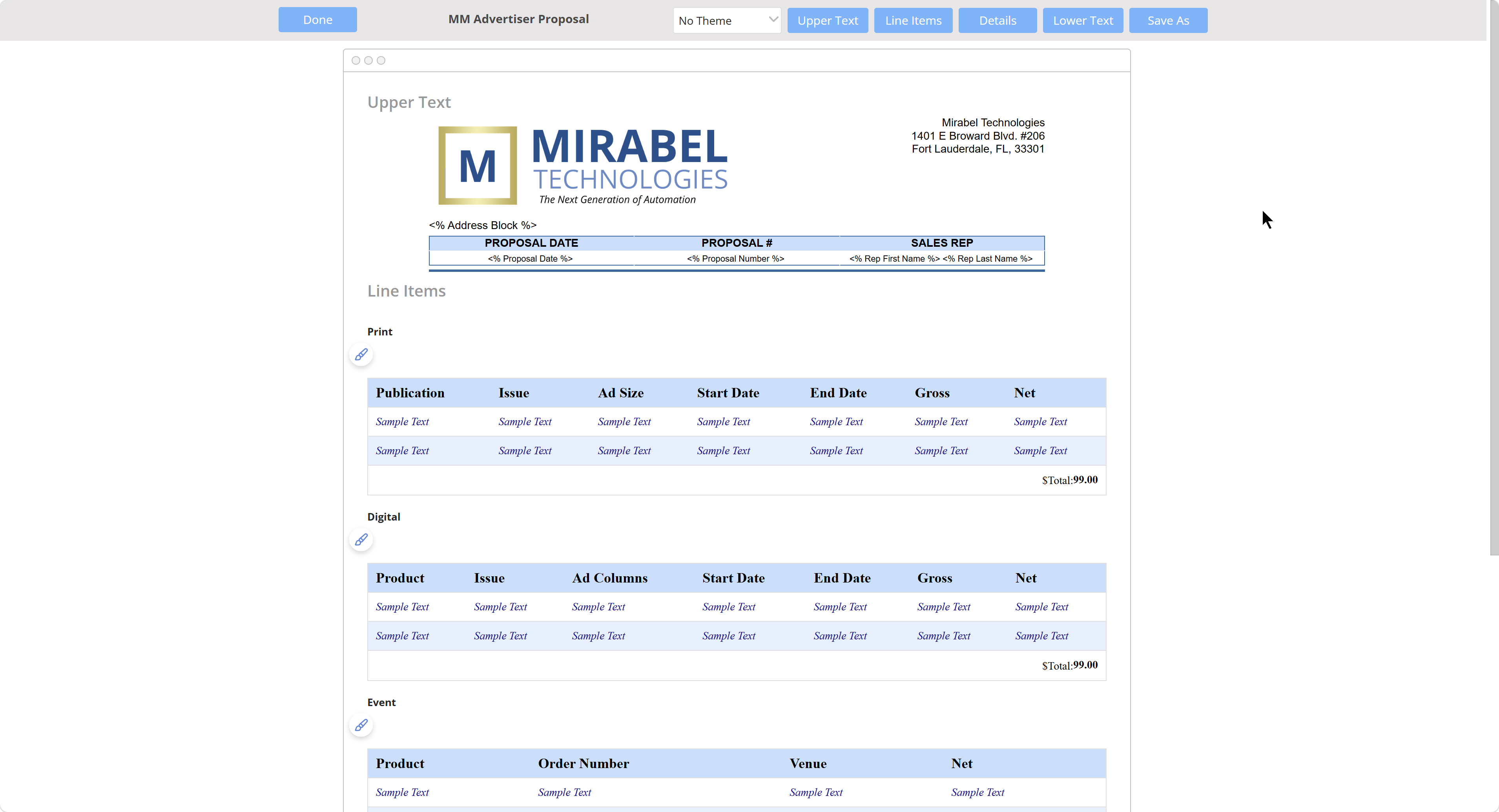
Every magazine publisher knows the moment. Editorial has approved the feature spread, the design team has locked the layout, and somewhere in the gap between those two worlds, an ad placement has gone missing. A sales rep promised a full-page bleed to a key advertiser. Ad operations never received the confirmed spec. The printer is waiting. The deadline is not.
This handoff problem is one of the most persistent sources of production errors in publishing. It exists because editorial project management and ad operations have historically lived in separate systems, maintained by separate teams, and measured by separate deadlines. Editorial tracks story assignments, writer approvals, and page flow. Ad operations tracks insertion orders, creative assets, and billing milestones. When those two timelines collide at the production stage, the cracks become visible — and expensive.
The consequences are concrete. A missed ad placement means a revenue shortfall and a credibility problem with the advertiser. A late creative submission that editorial was never notified about forces a last-minute layout scramble. A page count change driven by ad sales that editorial did not receive in time throws off the entire issue structure. Each of these failures traces back to the same root cause: no single shared view of where the issue stands across both disciplines.
The Magazine Manager addresses this directly by treating editorial and ad operations as two sides of the same production workflow rather than two separate processes.
Production timelines, ad placement confirmations, creative asset statuses, and editorial page assignments all live within one connected system. When an insertion order is confirmed in the ad management module, that information flows into the production schedule that the editorial and design teams are already working from. When a page is locked on the editorial side, ad operations can see it in real time.
This shared visibility eliminates the guesswork that causes handoff failures. Teams stop relying on email chains and spreadsheet updates to communicate across the boundary. The system itself becomes the single source of truth that both editorial and ad operations trust, and the handoff stops being a gap and becomes a seamless transition.
How automation is reshaping workflow coordination for publishers — and where The Magazine Manager fits in
Manual project coordination has long been one of the most time-consuming burdens in publishing operations. Chasing status updates, redistributing overloaded workloads, and tracking whether a story is ready for layout are tasks that eat into the hours editors and production managers need for higher-value work.
The Magazine Manager addresses this through automation built directly into the publishing workflow. When a multi-issue contract converts, all orders are created automatically — removing the manual admin that slows sales teams down. Issue confirmation triggers tearsheets and invoices without anyone touching a keyboard. Subscription billing, dunning sequences, and renewal reminders fire on their configured schedules without manual intervention. Workflow automation across billing, collections, and internal communications reduces manual effort and keeps teams focused on revenue and strategy.
For publishers evaluating automation capabilities, the practical question is not which platform has the most impressive branding — it is which platform automates the specific steps that currently cause delays, errors, and revenue leakage in their own production cycle. The Magazine Manager's automation is embedded in the workflows publishers actually run every day: ad sales, production handoffs, billing, and subscription management.
Pipeline stages match publishing reality: proposal → IO signed → ads scheduled → ran → invoiced → paid. Rate cards, recurring contracts, sponsor packages, and barter deals are first-class features — not custom fields bolted onto a generic deal model. Production milestones, editorial calendars, and billing are all connected in one system.
Yes — multi-title is core. Each title gets its own editorial calendar, sales pipeline, and reporting. Cross-title roll-up at the publisher level is built in. Advertisers can have one annual contract that runs across multiple titles.
Issue confirmation triggers tearsheets and invoices automatically. Native QuickBooks and Xero integrations push invoices and pull payments without manual reconciliation.
Two reasons reps adopt it: the CRM matches how ad sales actually works (rate cards, IOs, recurring contracts); and multi-issue contracts auto-create all orders on conversion so reps spend less time on admin.
Pricing depends on number of users, titles, and modules. Book a free demo and we'll give you exact numbers — no contracts to sign before you see the price.
All contracts are annual or multi-year — no month-to-month plans. Annual is the standard term; multi-year contracts come with additional discounts and dedicated success management.
From the first job brief to the final press-ready file, every production step is tracked, assigned, and visible in one place.
Most publishing teams manage production with a patchwork of shared drives, email threads, and whiteboards. Magazine Manager replaces that chaos with a connected set of production tools engineered specifically for the way magazine teams work — issue by issue, deadline by deadline.
Every ad and editorial assignment lives inside a digital Job Jacket that captures all the details in one place — specs, materials, contacts, notes, approval status, and history. Nothing gets lost between departments because everything attached to a job travels with it through every stage of the production cycle.
A visual Project Timeline gives production managers a real-time view of every task, milestone, and deadline across the entire issue. Teams can see at a glance what is on track, what is at risk, and who owns the next action — without digging through email chains or asking for status updates.
Individual tasks can be assigned to specific team members with due dates, priority levels, and status flags. When an assignment changes hands or a deadline shifts, the system updates automatically so everyone is always working from the same set of facts.
Advertisers submit creative directly through a client-facing portal, and assets are routed straight into the relevant Job Jacket. Production teams can verify specs, request revisions, and confirm receipt — all without a single email attachment passing through an inbox.
Each issue has its own production calendar that maps confirmed ad placements, editorial deadlines, design milestones, and preflight checkpoints onto a single timeline. When a placement changes or a close date shifts, the calendar reflects it immediately across every team.
Digital proof delivery and client sign-off happen inside the platform. Approval status is logged against the Job Jacket, so production knows exactly which ads are cleared to plate and which are still awaiting a response — eliminating the last-minute scramble before press time.